Add email to your DNScale domain
Start from a domain you already manage, choose an email workflow in Postscale, and approve the DNS records in DNScale. No customer API key to copy.
Your domain is already in DNScale. You may use it for a website, an application or a personal project. When it is time to add email, the next task is usually a trip through another dashboard followed by a list of DNS records to copy back.
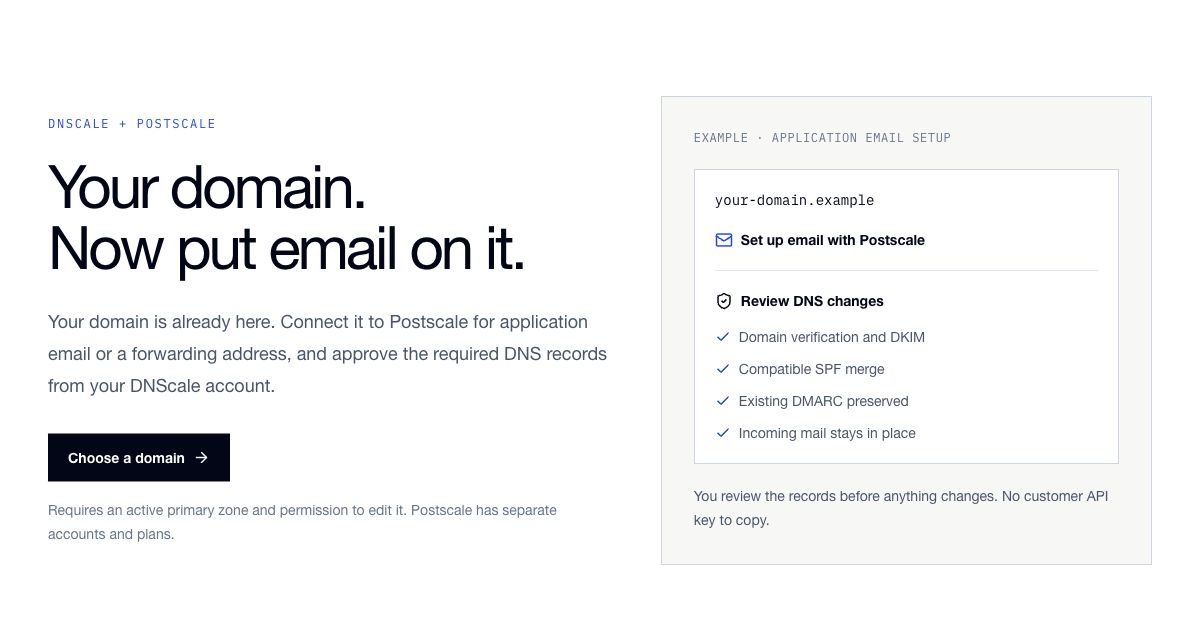
The new Set up email with Postscale action connects those steps. Start from an eligible zone, choose the email workflow in Postscale, and return to DNScale to review and approve the records. You keep control of the DNS changes through your existing DNScale account and zone permissions.
Start from the zone
Open an active primary zone you have permission to edit and choose Set up email with Postscale. DNScale passes the domain to Postscale, where you can sign in or create an account and select the email option you need.
Application email is for sending receipts, sign-in links and notifications through Postscale's API or SMTP. This setup prepares authentication records while leaving MX unchanged. Your existing incoming-mail provider stays in place.
Personal forwarding routes an address such as hello@your-domain.example into
the existing, verified inbox on your Postscale account. You can then configure
SMTP sending in a compatible mail client, subject to Postscale's sending approval
and volume limits. The destination inbox must be outside the domain being set up.
Personal forwarding requires Postscale Starter or higher. It does not include a hosted mailbox, IMAP or webmail. Postscale provides the email service with its own account, pricing and usage limits; your DNScale DNS plan remains separate. The email integration page explains both choices.
Review the DNS changes before approving
Postscale prepares the domain configuration and required records, then sends you back to DNScale. The preview shows the exact changes for the selected workflow. Sign in to DNScale if needed and approve using an account with write access to the zone. There is no customer API key to create or copy between services.
The integration preserves unrelated DNS records and existing DMARC policy. It merges compatible SPF records and checks for conflicting settings before writing the approved records. A conflict that needs attention is shown to you instead of being silently replaced.
Application sending does not move incoming mail. Personal receiving can replace existing MX records, and DNScale asks for an additional confirmation before doing so. Prepare all receiving addresses you need before approving an MX change. Moving MX affects incoming mail for the whole domain; the integration does not copy old messages or migrate an existing mailbox.
Return to Postscale and test the result
After the approved DNS records are applied, return to Postscale for independent verification. Changes may take time to propagate. Receiving configuration and sending approval are separate: a successful DNS update does not guarantee that an account can immediately send without limits.
Send a real application test message and inspect its delivery result. For a personal address, also send mail to the new address from another inbox, confirm forwarding receipt and test replies from your chosen SMTP client. Approval and verification are useful milestones, but neither is proof of inbox placement.
You can resume a saved setup after leaving it. If the approval link expires, reconnect from Postscale. Supported retries continue the saved DNS plan; records that changed independently need review before continuing.
Put the domain you already have to work
The first step is choosing the domain. The setup action is available on eligible active primary zones once the integration is enabled. Domains using another DNS provider can use Postscale's manual DNS instructions; this flow does not migrate authoritative DNS hosting automatically.
Choose a domain →For the email-side walkthrough, read Set up domain email with Postscale and DNScale. You can also review the integration and plan requirements before starting.
Managed authoritative DNS
Run DNS with observability built in
Start free, then move to Scale or custom plans when you need DNS traffic alerts, higher query volume, and dedicated human support.